
How to buy
Pick a single app, any 3 apps, a bundle, or the whole Learning Pack, pay once by GCash, Maya, or BPI, and we send you the installer link and your key.
💻📱 One purchase works on your Windows PC and in the browser (iPad, Chromebook, Mac, phone).
Also on the Microsoft Store
The Yeezy Brix Adventure Learning Pack is also a free Windows download on the Microsoft Store. After you install it, buy a key on this page to unlock the full apps.

You picked: ·
Pay by GCash, Maya, or BPI below, then send us the screenshot with this order.
Pick what you want
A single app, any 3 apps, a bundle, or the Learning Pack with 50+ apps. See all prices.
Message us
Send us a message on Messenger or email beerandytechsupport@gmail.com with what you'd like to buy.
Pay by GCash, Maya, or BPI
- GCash: 0998-407-0424 · Brandy Liscano
- Maya: 0998-407-0424 (@yzybrx) · Brandy Liscano
- BPI: account 2049185777 · Brandy Liscano
Please message us first so we can confirm the exact price for what you picked.
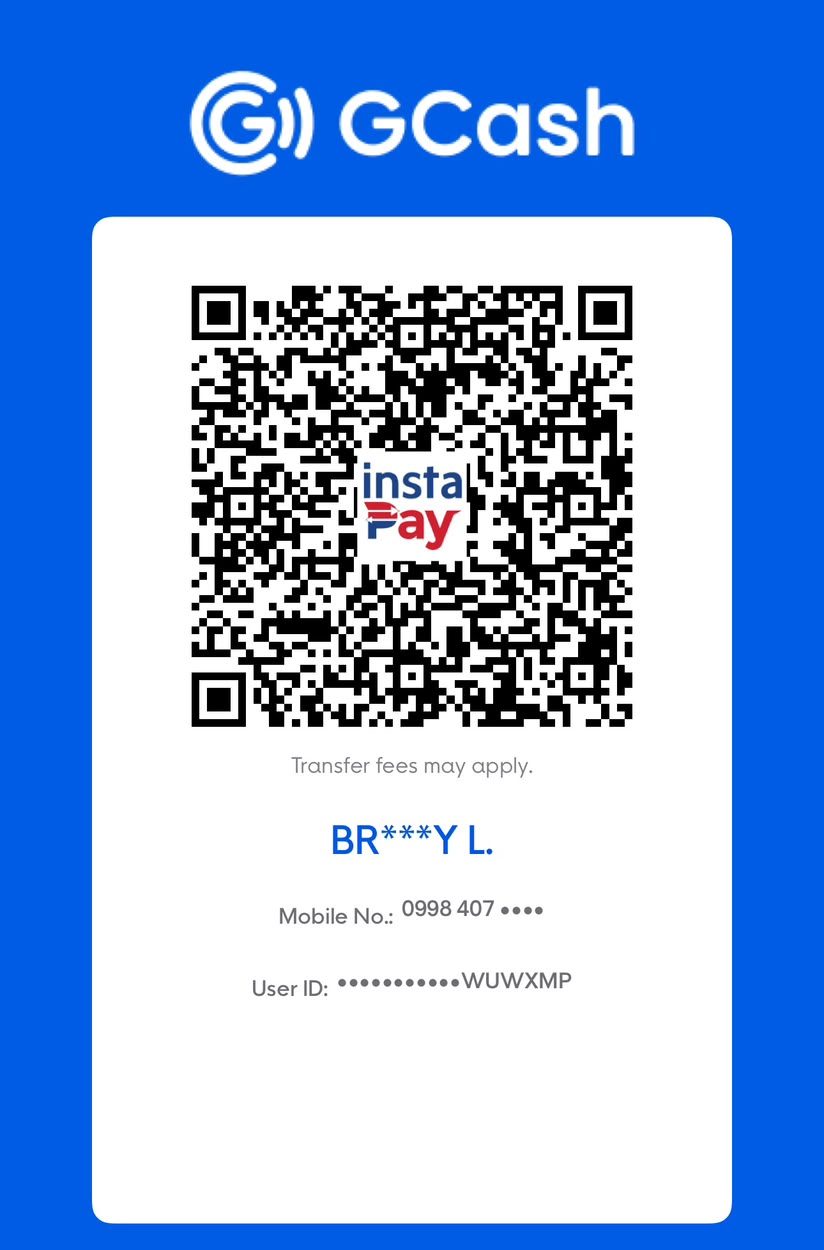
GCash: 0998-407-0424
Brandy Liscano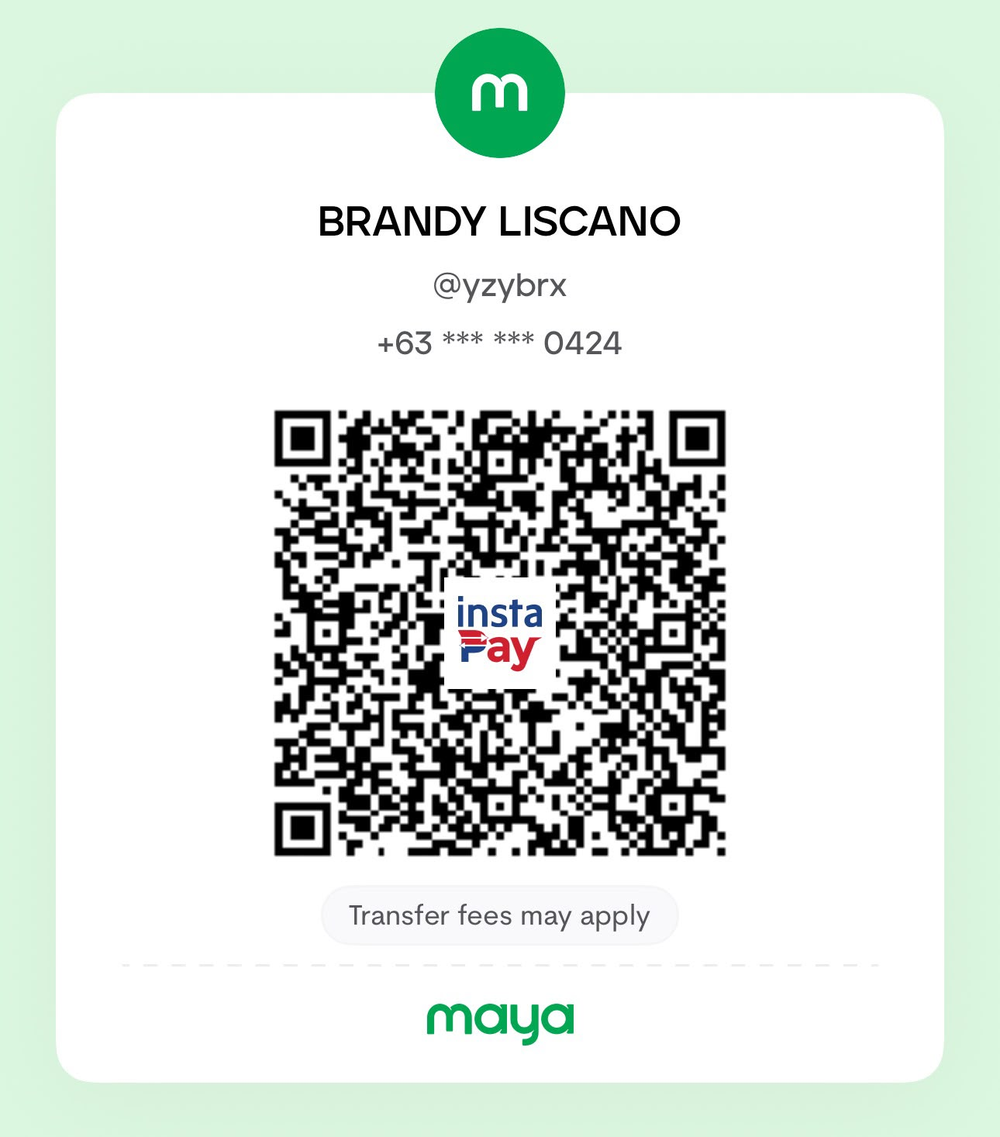
Maya: 0998-407-0424
Brandy Liscano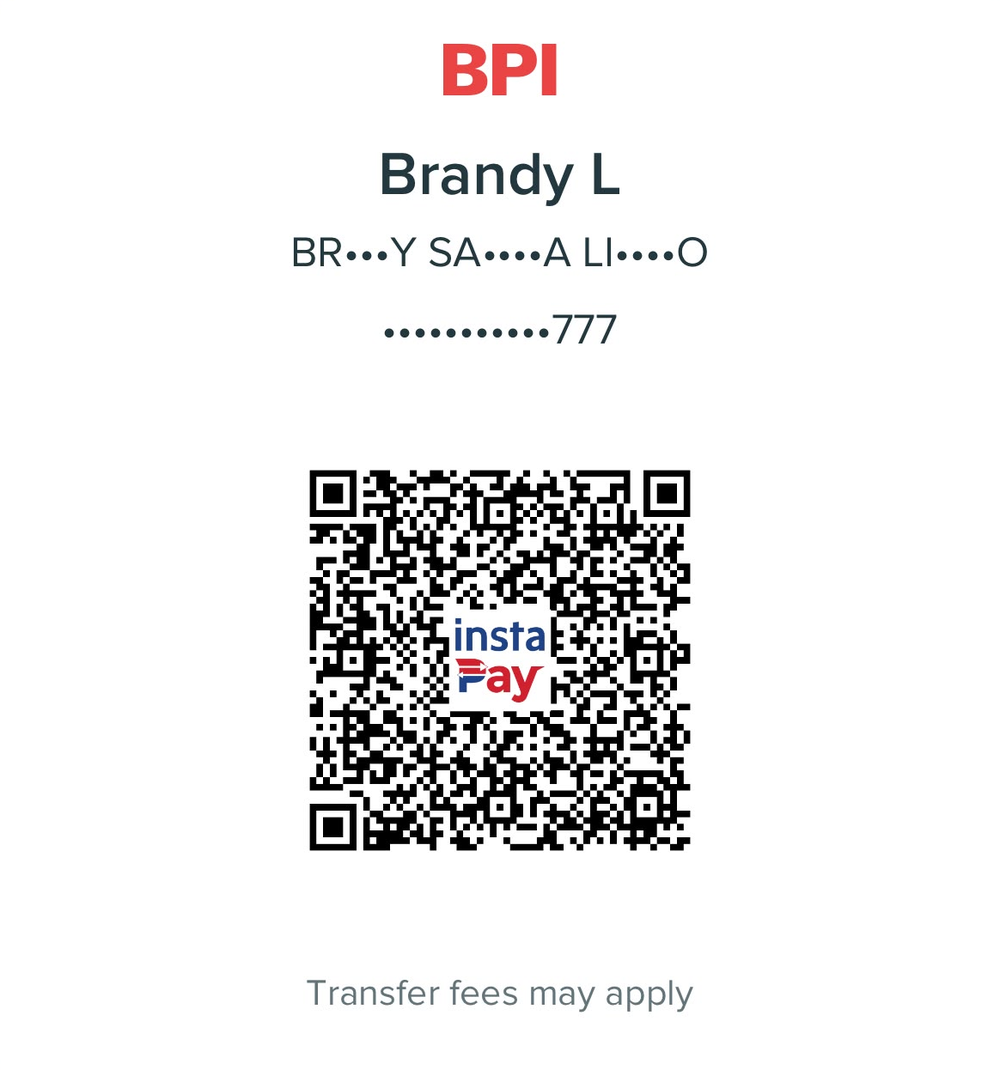
Bank: BPI
Account name: Brandy Liscano
Account number: 2049185777InstaPay QR, works with any bank or e-wallet. Transfer fees may apply.
Send your details
Reply with your payment reference number, your child's name, and, for a PC-locked key, the device code shown on any Yeezy Brix app's Unlock / Enter key screen (it looks like
XXXXX-XXXXXXXX).Get your installer and key
We send you the installer link and your key privately on Messenger or email, with simple install steps. Keep that message so you can use the key again if you reinstall.
Contact
- Messenger: m.me/beerandywebdeveloper
- Facebook: facebook.com/beerandywebdeveloper
- Email: beerandytechsupport@gmail.com
- Website: beerandytechsupport.com
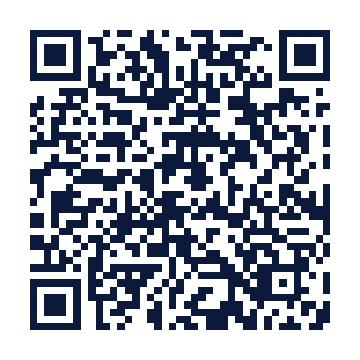
Scan to open our Facebook page
Want a custom app for your kid? We also make personalized learning apps, custom cartoon mascots, logos and videos.
What happens after I pay?
Send us 3 things on WhatsApp or Messenger
- A screenshot of your GCash, Maya, or BPI payment
- The apps you bought (tap Copy my order and paste it)
- Your device code: open the app, tap Unlock, and copy the code that looks like
3DEYR-…

Your device code is in the pink box on the Unlock screen. Tap Copy and paste it in your message. (Sample code shown.) We send your key
You get your key and the app link privately on WhatsApp or Messenger.
Paste the key
Open the app, tap Unlock, paste the key, and tap Unlock again.
Done!
The full app opens. Your child's progress stays on that device.
Safe buying tip: keys and installer links are only sent privately by BEERANDY M. VIDEOS after payment. Keys are made for your child and are never posted publicly.